
Latest Version
Skymatic GmbH
Finance
Linux
Free
org.cryptomator.Cryptomator
Report a Problem
More About Cryptomator
Securing your personal data in the cloud no longer requires complex setups or trusting third-party providers with your passwords. Cryptomator cloud encryption offers a seamless, client-side security solution designed to protect your sensitive documents from unauthorized access before they ever leave your local machine.
What is Cryptomator Cloud Encryption?
Cryptomator is a lightweight, open-source utility designed specifically to safeguard your files in cloud storage environments. Unlike traditional encryption tools that require you to encrypt entire virtual drives, Cryptomator encrypts each file individually. This means only modified files need to be re-uploaded to your cloud drive, saving bandwidth and time. Operating directly on your local device, it performs all cryptographic operations before uploading, ensuring that your cloud provider never sees your plain text data.
Key Security Features
To deliver robust protection, Cryptomator cloud encryption relies on industry-standard protocols and transparent design:
- Advanced AES Encryption: File contents and filenames are secured using the highly trusted AES standard, making unauthorized decryption virtually impossible.
- Brute-Force Protection: Your master passphrase is protected using scrypt, a key derivation function designed to resist high-performance hardware attacks.
- Directory Obfuscation: Beyond encrypting file names, the software obfuscates your entire directory structure, preventing observers from guessing file relationships.
- No Accounts Required: Privacy is prioritized by eliminating the need for user registration, online accounts, or cloud-based key management.
The Open-Source Advantage
Because Cryptomator is licensed under the GPLv3, its entire codebase is publicly viewable and auditable. This open-source nature means independent developers can verify the security of the software. It guarantees there are no hidden backdoors or vulnerabilities. Furthermore, this transparency protects you from vendor lock-in; even if Skymatic GmbH were to stop development, the code is widely cloned and can be maintained by the community indefinitely.
Who is Cryptomator For?
If you use services like Dropbox, Google Drive, or OneDrive but worry about data privacy, Cryptomator is an ideal companion. It bridges the gap between convenient cloud synchronization and absolute data privacy, making it perfect for professionals handling sensitive financial or personal records on Linux and other major platforms.
How to Get Started
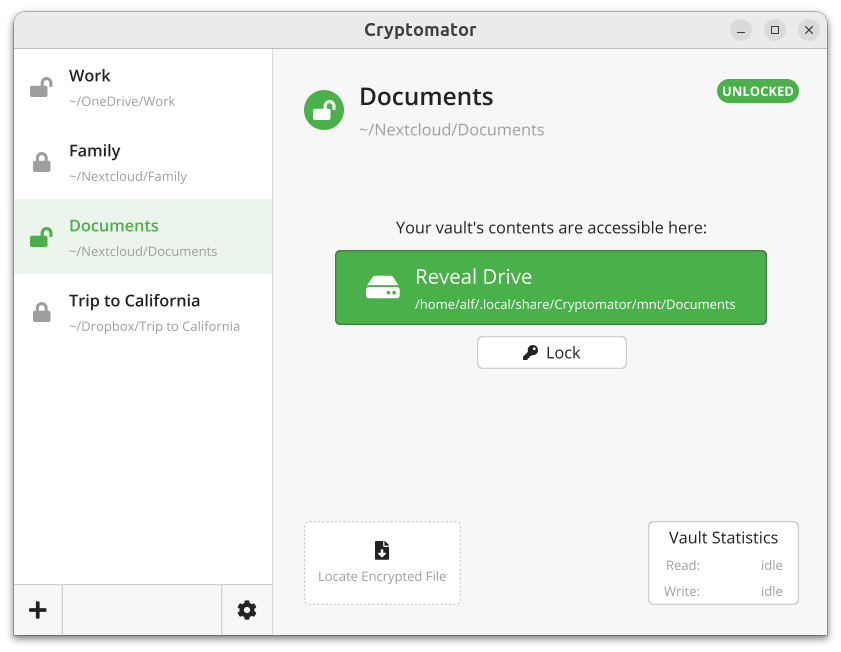
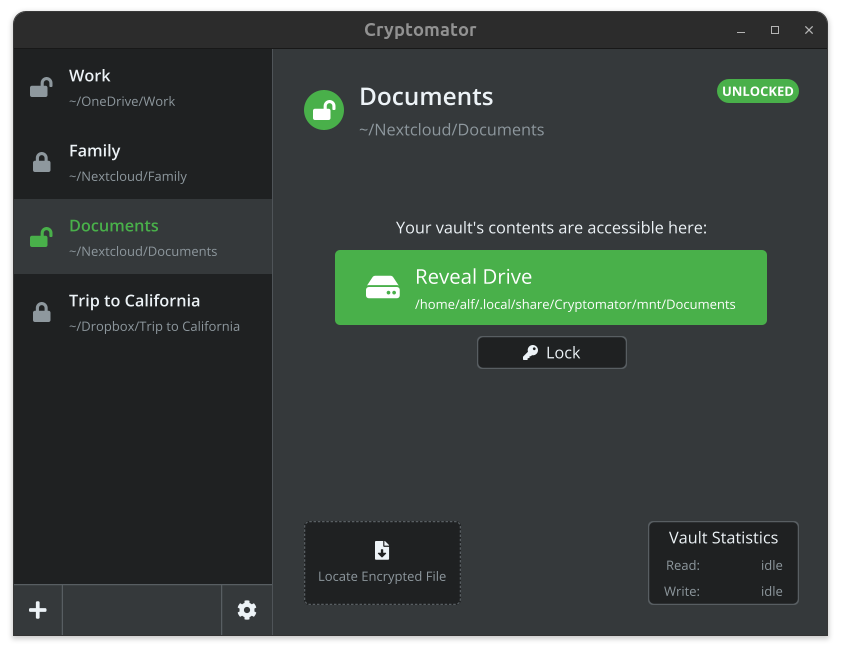
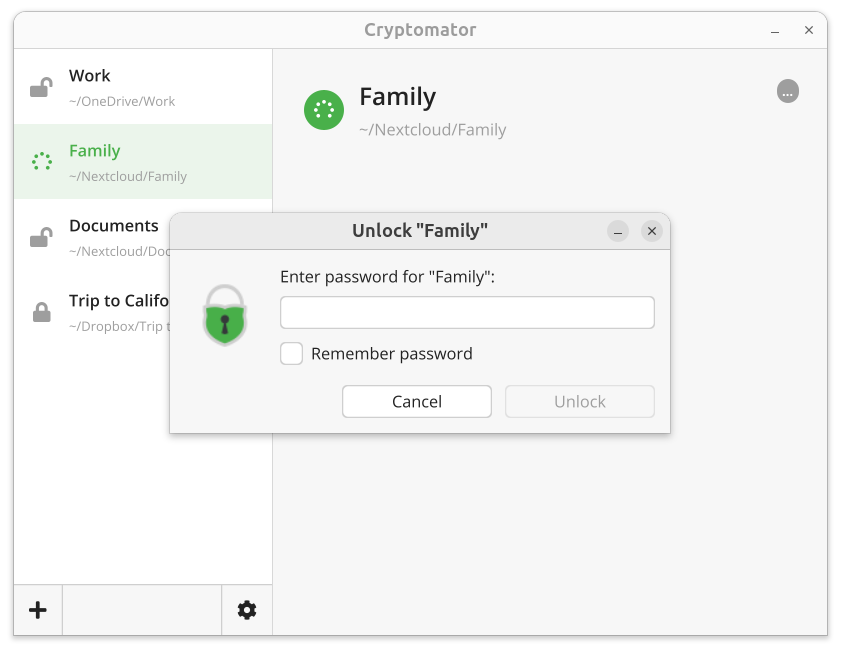
Cryptomator provides an elegant, user-friendly interface that integrates smoothly with your native file manager. If you are ready to take control of your digital privacy, you can find the official version and installation options on the official Flathub store page.
Rate the App
User Reviews












Popular Apps









Editor's Choice