
Latest Version
Indomitus Group
Finance
Linux
Free
com.indomitusgroup.indipdf
Report a Problem
More About indiPDF
The Struggle of Finding a Reliable Linux PDF Editor
For many Linux users, managing and editing PDF documents has historically been a fragmented experience. Users often find themselves swapping between multiple command-line utilities or clunky web-based tools just to complete basic tasks like merging pages or signing a contract. The indiPDF PDF editor for Linux resolves this everyday frustration by bringing a comprehensive, desktop-native solution directly to your workspace.
Developed by Indomitus Group, this application integrates seamlessly with your system's GTK styling. It bridges the gap between basic document viewers and bloated proprietary suites, offering a smooth, offline-first experience that prioritizes your document privacy.
Key Features of the indiPDF PDF Editor for Linux
This software is packed with utility, housing everything from basic markup tools to advanced optical character recognition. Here is what makes the indiPDF PDF editor for Linux stand out:
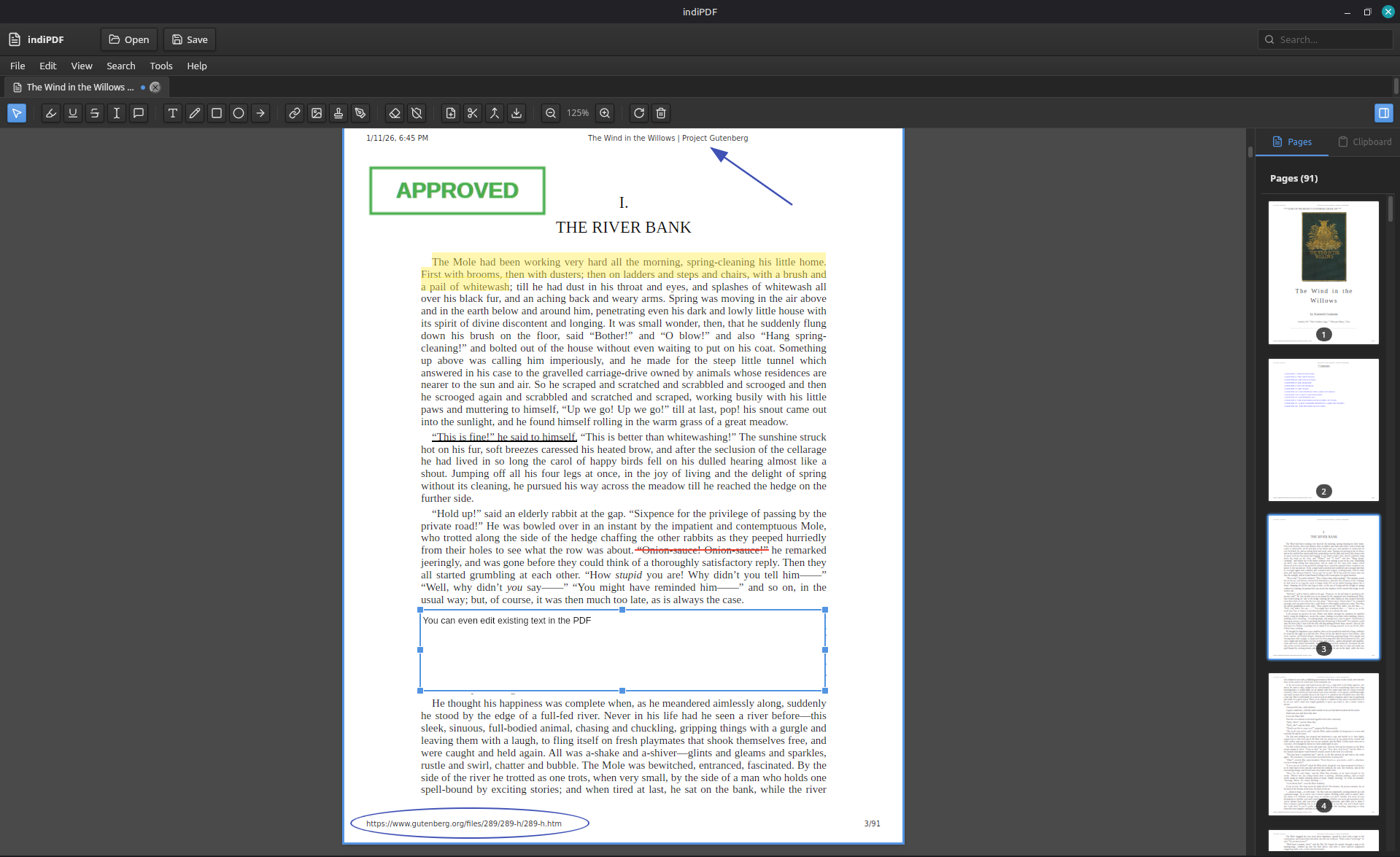
- Direct Text Editing & Markup: Modify existing text directly within your documents, or use markup tools to highlight, underline, and strikethrough text.
- Versatile Annotation Tools: Add sticky notes, draw freehand with custom stroke widths, and insert precise shapes like rectangles, lines, and arrows.
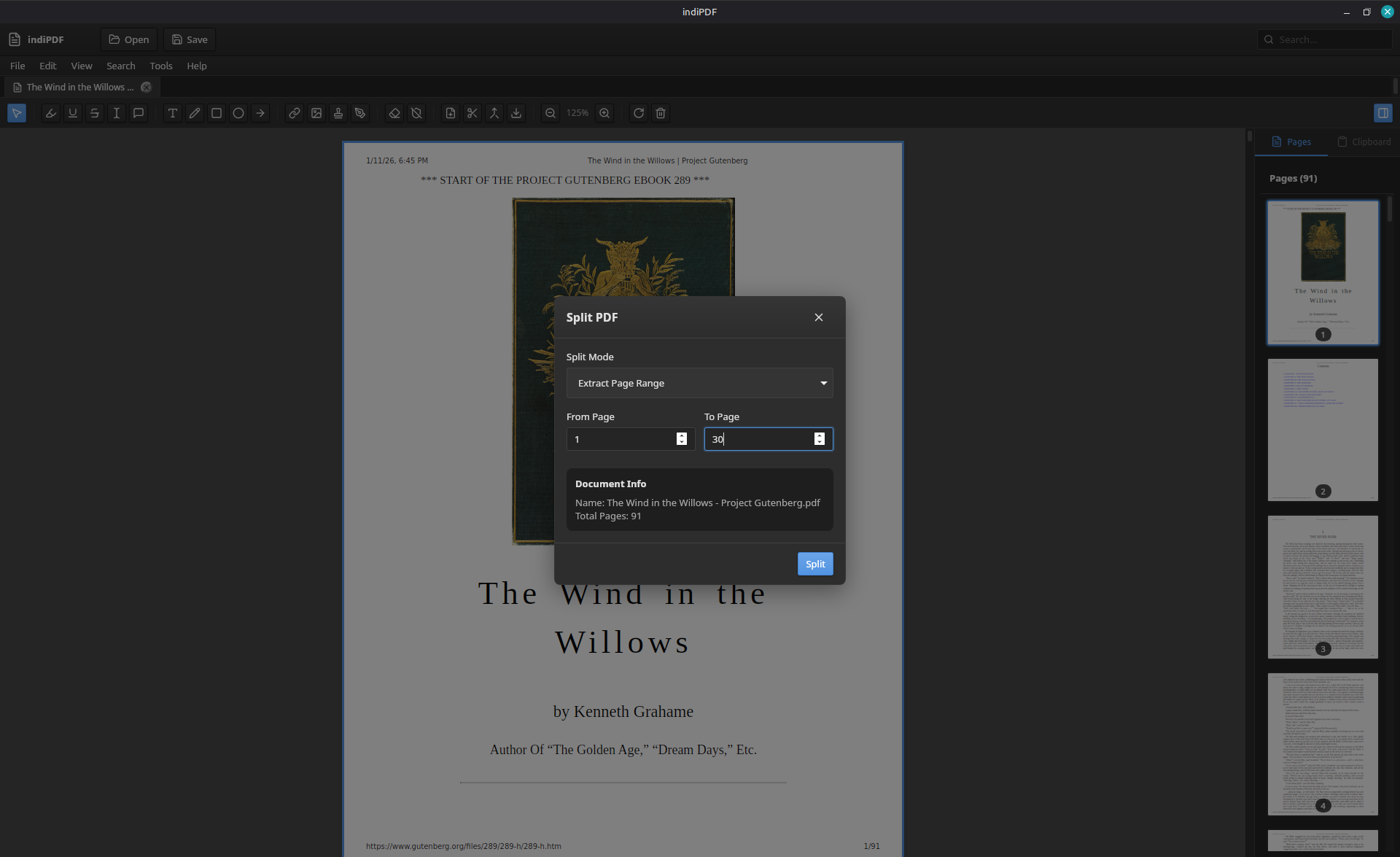
- Document Assembly: Easily merge multiple files, split documents, extract specific pages, or reorder and rotate pages visually.
- Built-in OCR & Scanner Support: Convert scanned paper documents into searchable text using integrated Optical Character Recognition and SANE scanner compatibility.
- Forms & Signatures: Fill out PDF forms quickly and secure your paperwork with the built-in digital signature manager.
- Format Exporting: Save individual pages as standard image files, including PNG, JPEG, and WebP.
Designed for Privacy and Seamless Desktop Integration
Unlike cloud-based editors that require you to upload sensitive financial or personal files to third-party servers, this tool works entirely offline. Your files never leave your local machine, making it an excellent choice for security-conscious professionals. Furthermore, it supports system-wide dark mode preferences natively, ensuring a comfortable viewing experience during late-night work sessions.
Who Is This Application For?
Whether you are managing invoices, signing business contracts, or archiving scanned paperwork, this application provides a robust, unified environment for your workflow. It eliminates the need for complex terminal commands, making professional document editing accessible to everyone on the Linux platform.
If you are ready to upgrade your document workflow, you can explore the application further and install it via its official page on Flathub.
Rate the App
User Reviews













Popular Apps









Editor's Choice